How I Use PinClicks to Find Keywords Before I Pin
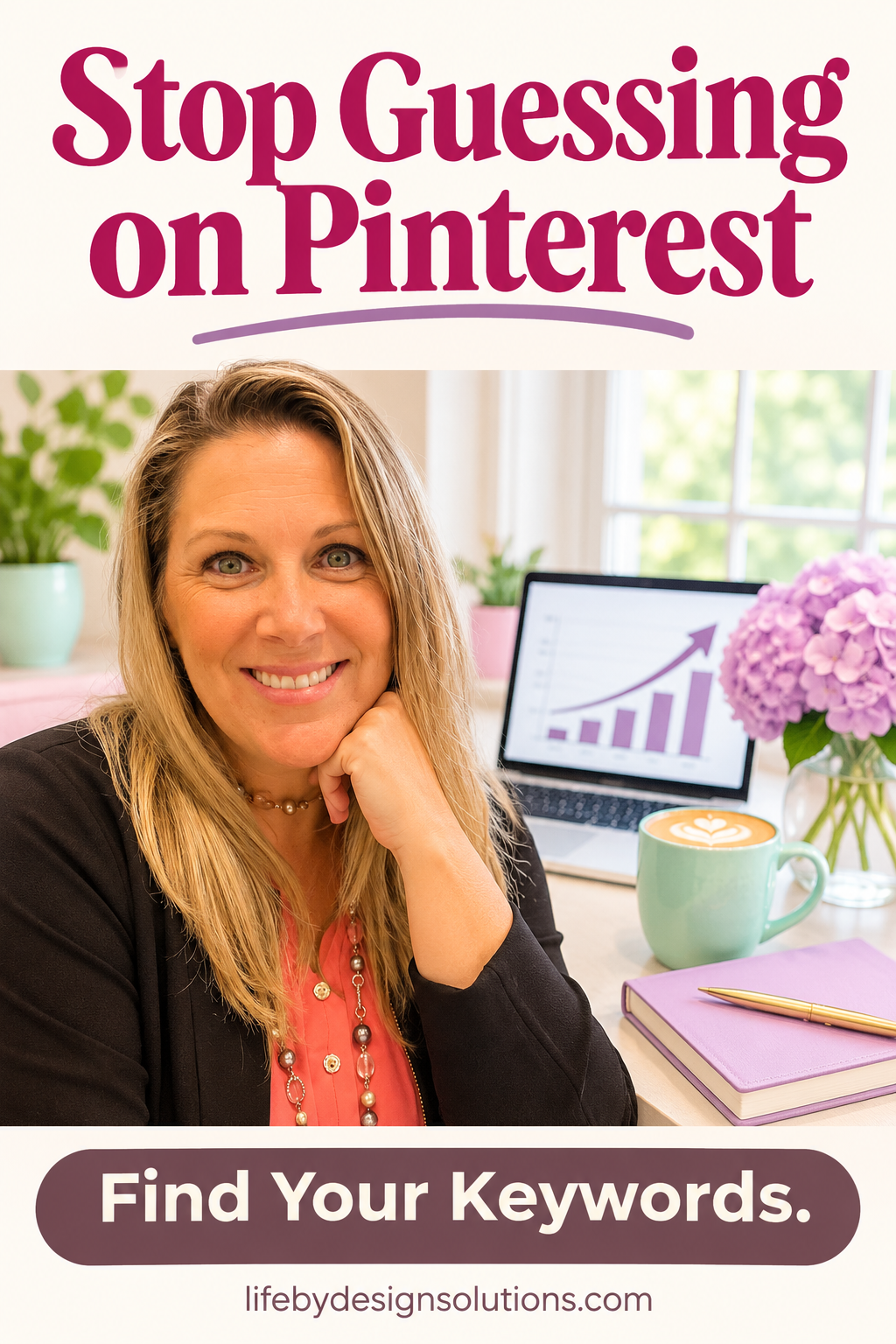
Pretty pins that get crickets? The pin usually isn't the problem. The words are. Here's my exact step-by-step process for using PinClicks to find the keywords your audience is typing, before you make a single pin.

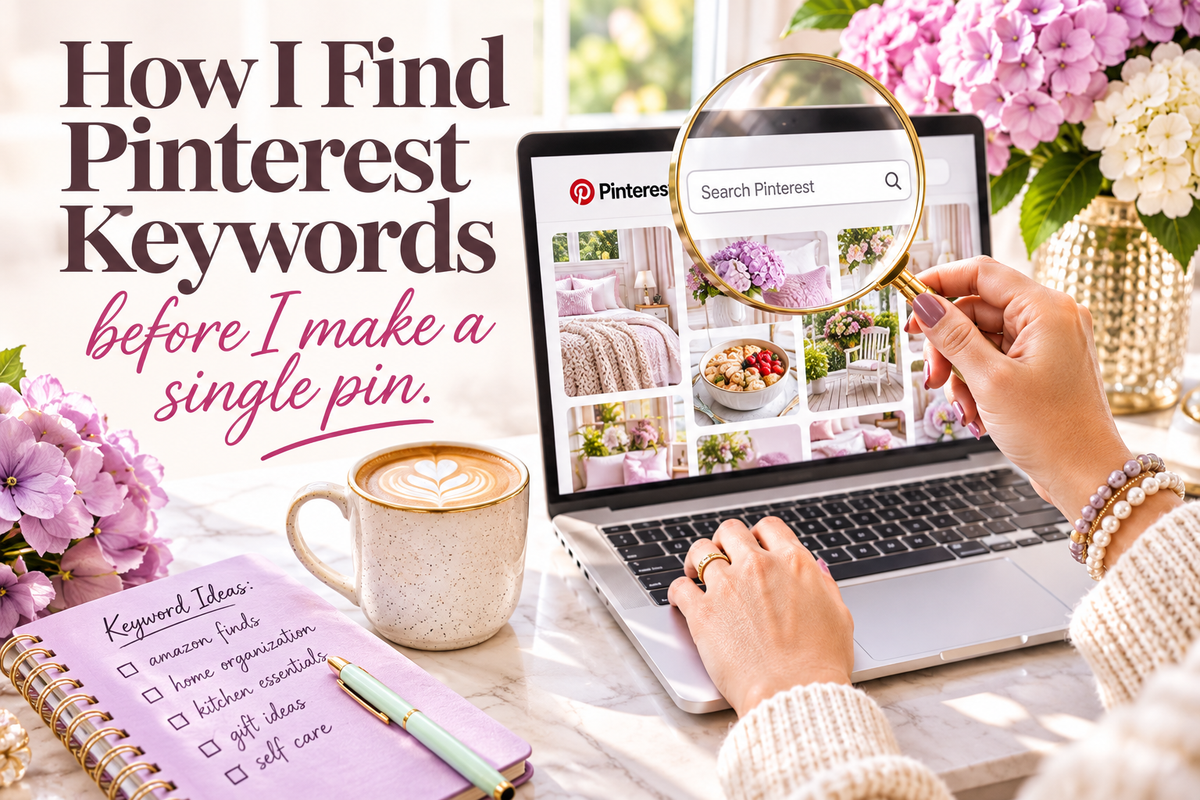
Can we talk about the saddest thing on Pinterest?
It's a gorgeous pin. Beautiful photo. Cute font. A title like "My Favorite Things" or "Cozy Vibes." And then... nothing. No saves. No clicks. Crickets.
Here's the thing... the pin usually isn't the problem. The words are.
Pinterest is a search engine. People open it and type exactly what they want: "pantry organization ideas," "easy weeknight dinners," "side hustles for moms." Nobody types "cozy vibes." If your pin doesn't use the words people are actually searching, Pinterest has no idea who to show it to.
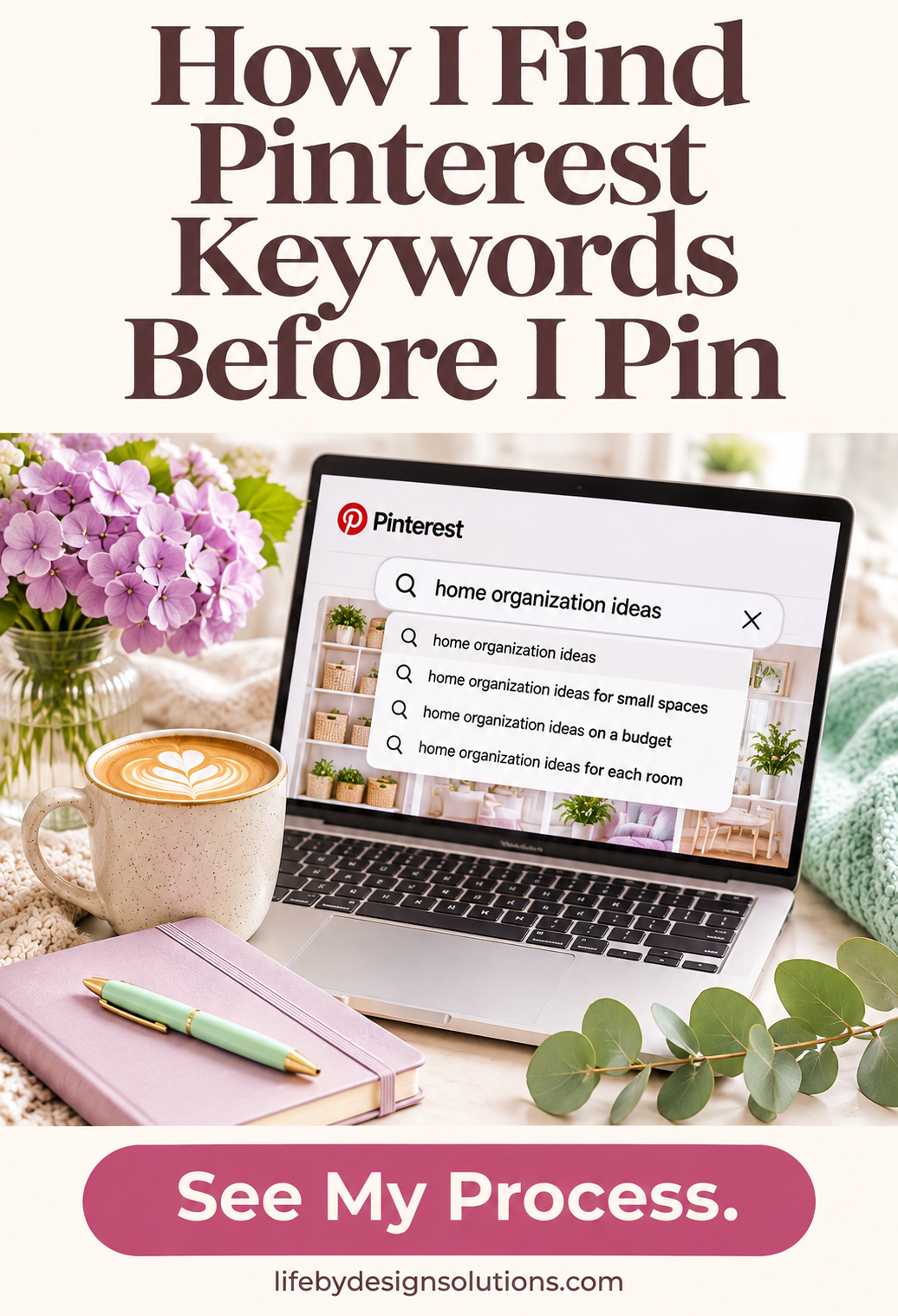
That's why I never make a pin anymore without checking the keywords first. And the tool I open every single time is PinClicks.
(If you're brand new to keywords, start with my guide on How to Find the Pinterest Keywords Your Audience Is Actually Searching. This post is the hands-on, here's-exactly-what-I-do follow-up.)
So what is PinClicks?
PinClicks is a Pinterest research tool. Think of it like a peek behind the curtain. It shows you what people are searching on Pinterest, which pins are ranking for those searches, what other accounts in your niche are doing, and how your own pins are ranking over time.
In plain English? It takes the guessing out of Pinterest. And guessing is exhausting.
You can try it free for 5 days, which is plenty of time to run your next few pins through it and see the difference for yourself.
My exact process, step by step
Here's what I actually do before I pin. Grab a coffee and follow along.
Step one: I start with what I'm pinning, not with the tool. Before I open anything, I know what the pin is for. A blog post, a product I love, a free guide. Then I ask myself one question: if someone needed this, what would they type into Pinterest? I write down that phrase. That's my starting keyword.
Let's use an example. Say I'm pinning a post about organizing a small pantry. My starting keyword is "pantry organization."
Step two: I drop it into PinClicks' keyword research. This is where the magic happens. PinClicks shows me related keywords that real people are searching, so I can see the different ways people say the same thing. "Pantry organization" might turn into "small pantry organization ideas," "pantry organization on a budget" or "pantry storage ideas."
I look for the more specific phrases. Broad keywords are crowded. Specific ones bring the people who want exactly what I'm offering, and those are the people who click.
Step three: I check the top pins for that keyword. PinClicks shows me the pins that are ranking for a keyword right now. This is my favorite part, because it tells me what Pinterest is rewarding. Are the top pins bright photos or text-heavy graphics? Do they lead to blog posts or products? What words are in their titles?
I'm not copying anyone. I'm learning what works so my pin can be better.
Step four: I peek at accounts in my niche. PinClicks also lets you research accounts, so I can see what's working for other creators who serve the same audience. Patterns jump out fast. Maybe everyone ranking for my topic uses "on a budget" in their titles. Maybe nobody is covering a certain angle yet. That gap? That's my opportunity.
Step five: I put the words to work. Now I use my keywords everywhere Pinterest reads them: the pin title, the pin description, the board name and the image alt text. I write it naturally, like a real person talking, not a robot stuffing words into a sentence. I also use the same keywords in my blog post headings, so Pinterest and Google both know what the post is about.
Step six: I track it and tweak it. After a few weeks, I check how my pins are ranking. If a pin is climbing, I make more pins for that keyword. If it's stuck, I try a fresher image or a more specific keyword. Pinterest rewards patience, but it also rewards paying attention.
That's it. Six steps, and most of the time it takes me about ten minutes per pin.
The keyword mistakes I see all the time
The first one is using your words instead of theirs. We say "build passive revenue streams." They search "make money from home." Match their language, always.
The second is going too broad. "Recipes" is a massive keyword with massive competition. "Easy crockpot dinners for busy moms" is where your people are hiding.
The third is stuffing. Cramming ten keywords into one description doesn't help. Two or three that fit naturally beat ten that make your pin sound like a ransom note.
And the fourth is putting the year in everything. If your pin says a specific year, it starts looking old the minute that year ends. Keep your titles evergreen so your pins can keep working for years.
Do you need a paid tool to start?
Honestly? Not on day one. You can start with Pinterest's own search bar. Type in your keyword and look at the suggestions that pop up. Pinterest Trends is free too, and it's great for spotting seasonal patterns.
But when you're ready to stop guessing and start seeing the data behind the searches, that's when PinClicks earns its spot. It's the difference between hoping a pin works and knowing why it should.
Your next step
If you want the foundation first, grab my free Keyword Clarity Playbook. It walks you through how keywords work on Pinterest and why they matter, in plain English.
And when you're ready to see the real searches behind your pins, start your free 5-day PinClicks trial and run your next pin through the six steps above.
Pretty pins are fun. Pins people can actually find? That's where the money is.
💛 Thanks for reading!
If this article helped you, I'd love to connect with you over on Pinterest, Instagram, or TikTok where I share practical Pinterest strategies, blogging tips, affiliate marketing ideas, and behind-the-scenes moments as I build a business around freedom, family, and faith.
Some of the links in this article are affiliate links. That means if you choose to purchase through my link, I may earn a small commission at no extra cost to you. I only share products and programs I personally use, love, or believe will genuinely help your family thrive. 💕